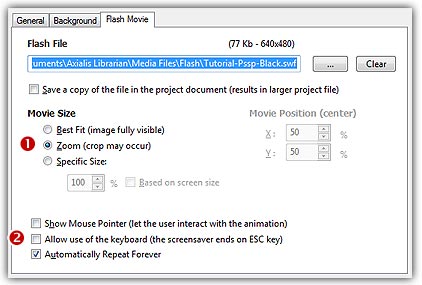
Change the Flash movie
You can change the Flash movie during the edition of your project.
Change the Flash movie from the project window
1. Activate the Screensaver Document window.
2. In the Flash Movie dialog box (click the tab if necessary), click on the [...] button. A standard Windows dialog box opens to let you choose the Flash movie file you want to use. Browse your disks, select a file and click Open.
3. The full pathname is changed in the Flash File field and you see the movie in the Preview window.
Add a Flash file using Drag & Drop
1. Go to the librarian, expand Media Files and select the Animation folder ( ) .
) .
2. Select a Flash file ( ) then drag and drop it (
 ) to the Screensaver document window:
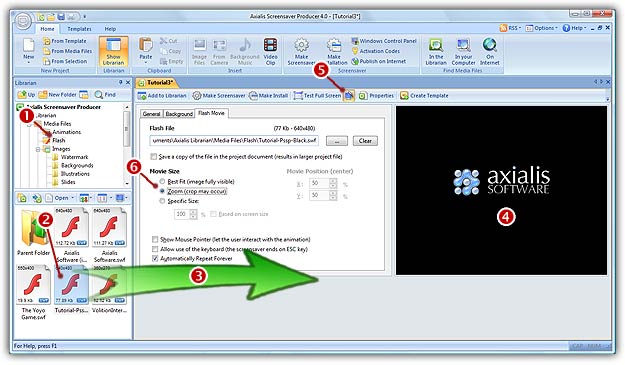
4. In Flash File field you see the full pathname to the file. Check that this is the correct file.
6. Be sure that you have the Animated Preview option enabled ( ). You see the movie in the Preview window (
 ).
).