Lesson 1.2 - Defining the background
In this lesson, we'll customize the screensaver background.
Changing the background: Tiled image
1. In the editor window, double-click (using the left button) or right-click and select "Properties" or choose Project/Screen Background menu command.
2. A Project Properties dialog box opens (Background tab is selected)?
3. Currently, the "Gradient" background type is selected. Choose the Image Wallpaper option. The associated group is activated.
4. In the Pathname area, select the following image (using the [...] button): "...\Axialis Librarian\Media Files\Images\Backgrounds\Wood04.jpg".
6. In the same group, select the Tiled option. This image must be used as a tiled wallpaper (the same image contains a seamless pattern that creates the illusion of an infinite background image when placed like tiles).
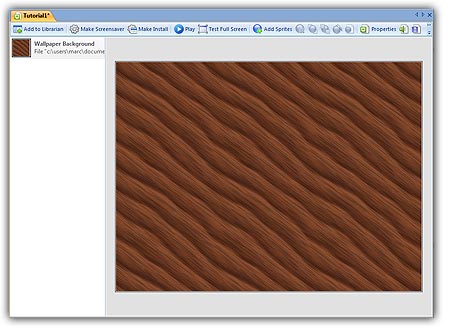
7. Click OK when done. The background of the project changes as follows:
Lesson 3 - Adding a static sprite